

Many people say, “SEO isn’t working.” But in reality, that can mean four different problems that look the same. This is why if you fix the wrong problem, you can waste months and still see no results.
That’s exactly the reason you should find out what is causing the problem before you research another keyword, update another page, or replace your SEO agency. This guide helps you identify it quickly.
The idea is to simply match your situation to one of these four signs:
- your traffic is dropping,
- your rankings are high but no one converts,
- your sales pipeline has stopped growing even after investing in SEO, or
- your customer acquisition cost (CAC) stays high even though SEO brings results.
After which, you can go straight to the diagnosis that fits your problem.
But you’ve got to start Here:
What Is Really Happening?
You can find the root cause by reading the four signs below. After that, you can then pick the one that best matches what is happening on your website.
As a rule, you should not choose based on what you think the problem is. Rather, choose the one that matches what you actually see.
1. Your Traffic Is Dropping
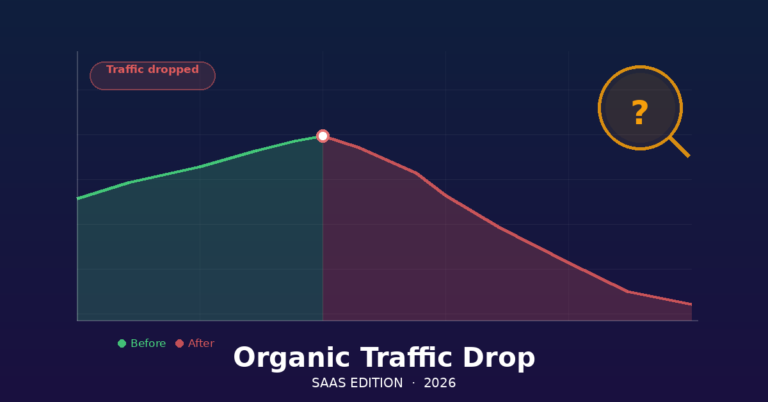
It’s possible that your organic traffic was growing, but now it has stopped or started to fall. And in some cases, it drops overnight after a certain date, whereas in other cases, it slowly goes down until you finally notice it.
Either way, the issue of a decline in traffic usually happens for one of three reasons. First, Google may have released an algorithm update. Second, something on your website may have broken. And thirdly, chances are your content have become outdated and lost its rankings.
You can read our SaaS organic traffic drop troubleshooting guide to find the real cause before you make any changes.

2. You Rank Well, But Nobody Converts
Your pages rank well in Google, and your traffic looks good and may even be growing. But the issue is that demo requests and free trial signups have stayed the same for months.
That’s the situation your SaaS team may be in right now – people are finding your website, but they are not taking action. This usually means your pages are not doing a good job of turning visitors into leads or customers.
To crack this issue, you can read our SaaS content conversion issues guide to learn what is stopping people from converting and how to fix it.
3. You Hired Help, But Your Pipeline Has Not Grown
This is a typical case whereby you’ve hired an SEO agency or built an in-house SEO team, and you have spent months working on SEO. Yet, your sales pipeline has not grown.
This problem usually happens because you are targeting the wrong keywords, the wrong stage of the buyer’s journey, or the wrong audience. So, it is not always a lack of SEO effort.
You can read our guide on SaaS SEO lead generation to learn how to attract the right visitors and turn them into qualified leads.
4. You Are Getting Leads, But Your Customer Acquisition Cost Is Still High
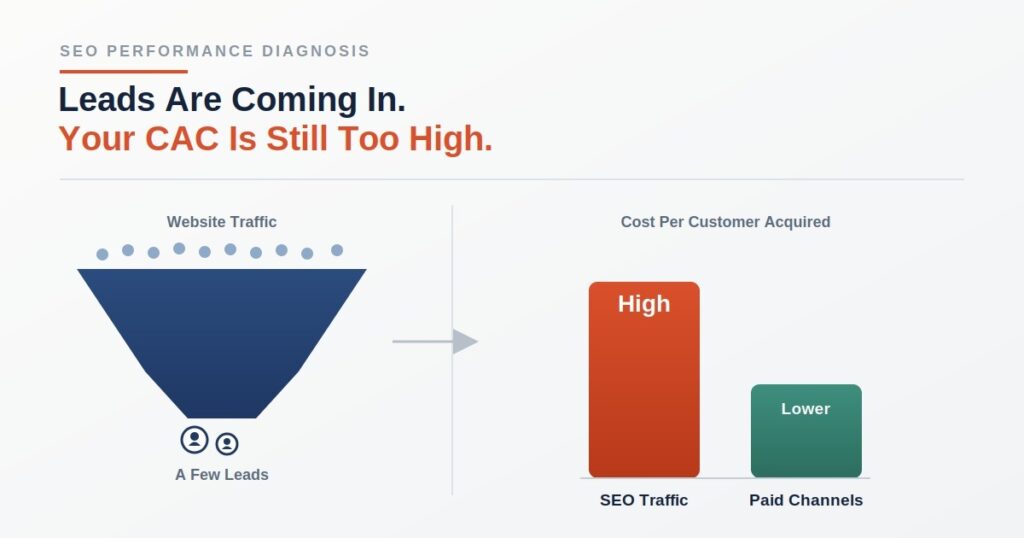
This is the case where SEO is bringing people to your website, and some of them are becoming leads. But then, your customer acquisition cost (CAC) is still too high compared to your paid marketing channels.
This usually means you are attracting visitors who cost more to turn into customers. When faced with this challenge many SaaS teams resort to publishing more content. But that will not solve the problem.

Read our guide to reducing SaaS customer acquisition cost with SEO to learn how to attract visitors who are more likely to become customers.
Do You Have More Than One Problem?
Many SaaS teams do. For example, your traffic may drop while your pages also fail to turn visitors into customers. In many cases, the conversion problem started before the traffic dropped.
The goal is to fix your conversion and targeting problems first. For instance, if your pages do not convert, bringing in more visitors will only waste more time and money. Ideally, if problem 2 or problem 3 matches your situation, you should solve that first, even if the traffic drop feels more urgent.
Before You Diagnose the Problem, Check Your Tracking
Sometimes SEO is working, but your tracking is not. This is why it is critical to spend a few minutes checking your data before you look for SEO problems.
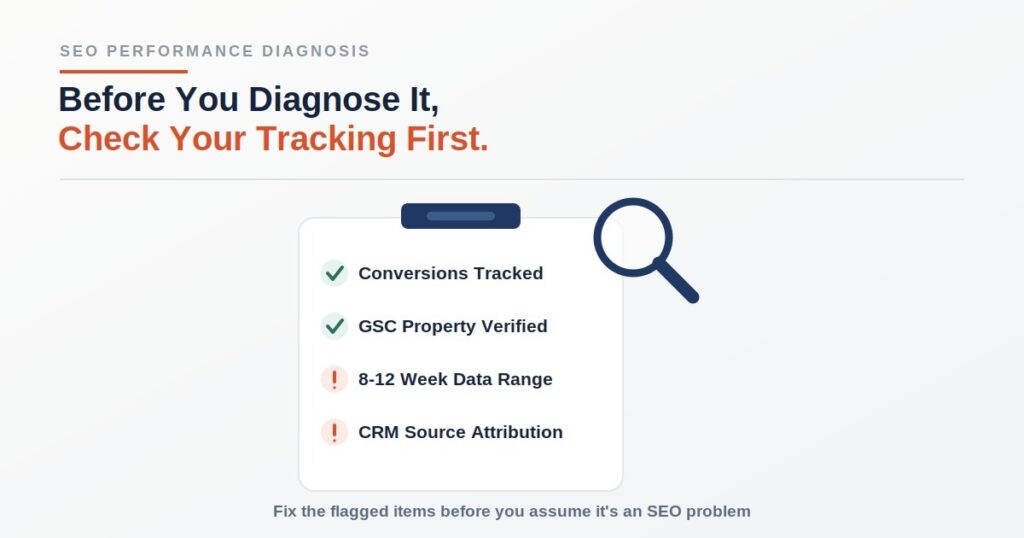
That would mean asking yourself these questions:
- Does GA4 or your analytics tool track demo requests and free trial signups as conversions instead of only page views?
- Is Google Search Console verified for the correct website property?
- Are you looking at data from the last 8 to 12 weeks instead of only the last few days?
- Does your CRM show that leads came from organic search, or does it label everything as direct traffic?
If any of these are not working, it’s essential you fix them first. Chances are you may not have an SEO problem, but simply have a tracking problem.
The main thing is to pick the symptom that best matches your situation. Read the full diagnosis and fix that problem first. Many SaaS teams struggle because they try to fix every problem at once instead of fixing the one that is causing the most trouble.
Final Thoughts
SaaS SEO troubleshooting starts with finding the real problem. As mentioned already, your website may have technical issues, target the wrong keywords, or use content that does not help visitors become customers. This is why you should fix the right problem first so you do not waste time and money.
For instance, you can use Google Search Console to ensure Google can index your pages. Likewise, you can use Screaming Frog to find technical problems on your website. The same goes for PageSpeed Insights, you can use it to check how fast your pages load.
If you want to learn how to improve your website’s technical foundation, read our SaaS technical SEO guide. It explains the most important technical SEO tasks that help your website rank better and grow faster.